Interactions
Interactions are clickable hitboxes. Players can right-click (interact with) or left-click (attack) them to trigger your commands.
Entity Creation
An Interaction always creates an interaction entity. Like Locators and Cameras, it isn’t a passenger: Animated Java teleports it into place every tick (see Floating Entities).
Size
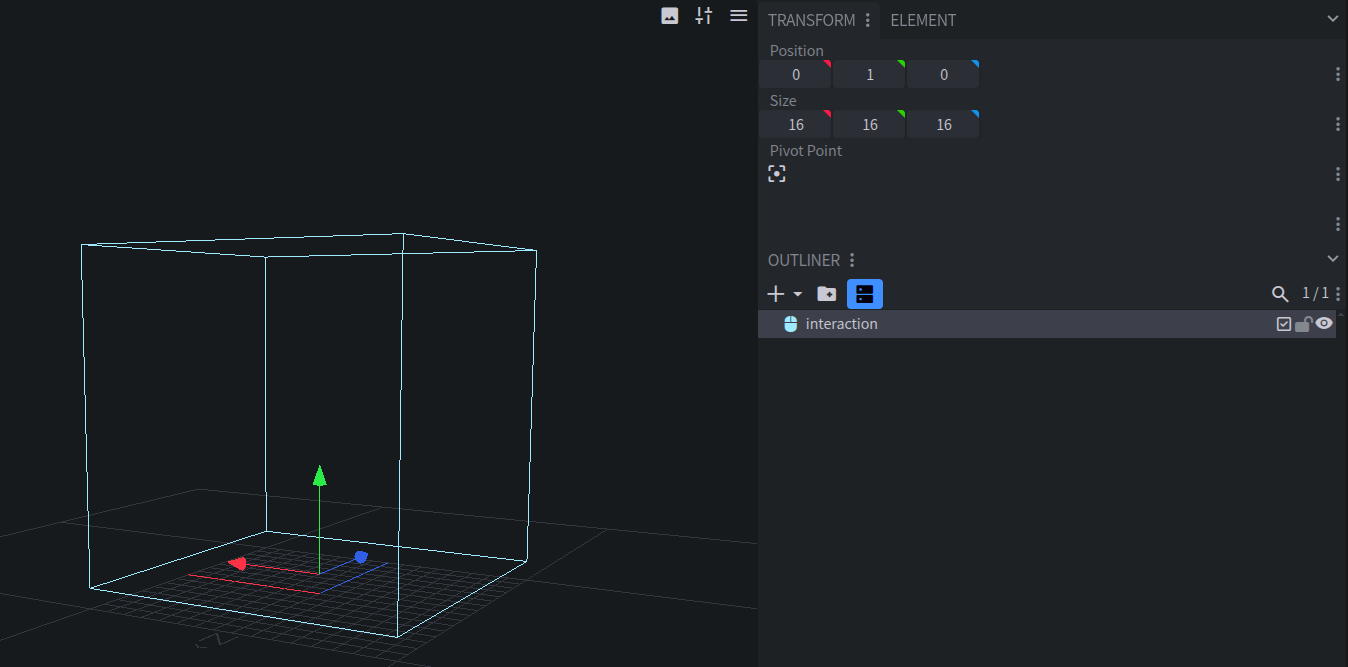
Resize the Interaction in the editor to set its hitbox. Its width covers both the X and Z axes, and 16 pixels is one block.
Interaction hitboxes are always aligned to the world’s axes. They follow the rig’s movement and rotation, but the box itself never turns.
Interaction Config
Right-click an Interaction in the Outliner and choose Interaction Config. All of its functions support MC-Build syntax.
Response
Whether interacting with it plays a response: the player’s hand swings, or an attack sound plays.
On-Summon Function
Commands that run
asandatthe Interaction when the rig is summoned.On-Interact Function
Commands that run
asthe Interaction when a player right-clicks it. Useexecute on targetto select that player.On-Attack Function
Commands that run
asthe Interaction when a player left-clicks it. Useexecute on attackerto select that player.On-Remove Function
Commands that run
asandatthe Interaction when the rig is removed.On-Tick Function
Commands that run
asandatthe Interaction every tick.
Interaction Keyframes
Interactions can be moved with position keyframes, and have Function keyframes like Locators do.
Accessing Interactions In-Game
Use the Interaction functions:
# Run a command as the "hitbox" Interaction
execute as @e[tag=my_pack.my_rig.root] run function my_pack:my_rig/as_interaction {name: "hitbox", command: "say I was targeted!"}

# Spawn particles at every Interaction
execute as @e[tag=my_pack.my_rig.root] run function my_pack:my_rig/at_all_interactions {command: "particle minecraft:crit ~ ~ ~"}
You can also select one directly with its <blueprint_id>.interaction.<name> tag.
Plugin Mode
Interactions have no config in Plugin mode. Use your plugin’s API to add behavior to them instead.
 DP Icons