Block Displays
Block Displays render a Minecraft block in your rig. They can be animated just like Groups.
Element Options
Block
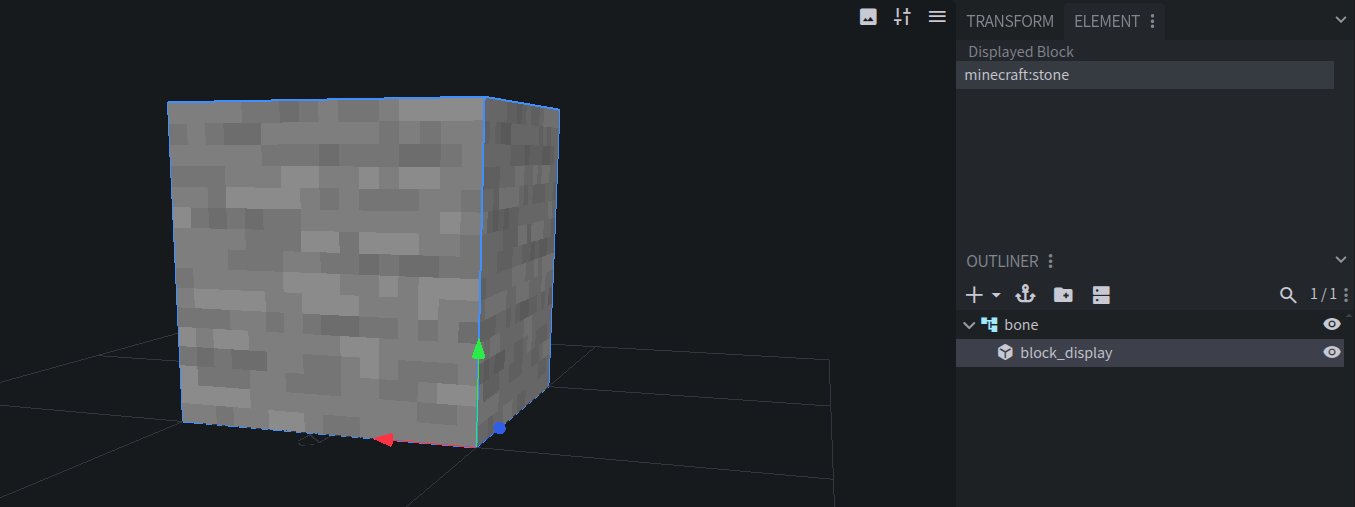
The block to display, written like in the
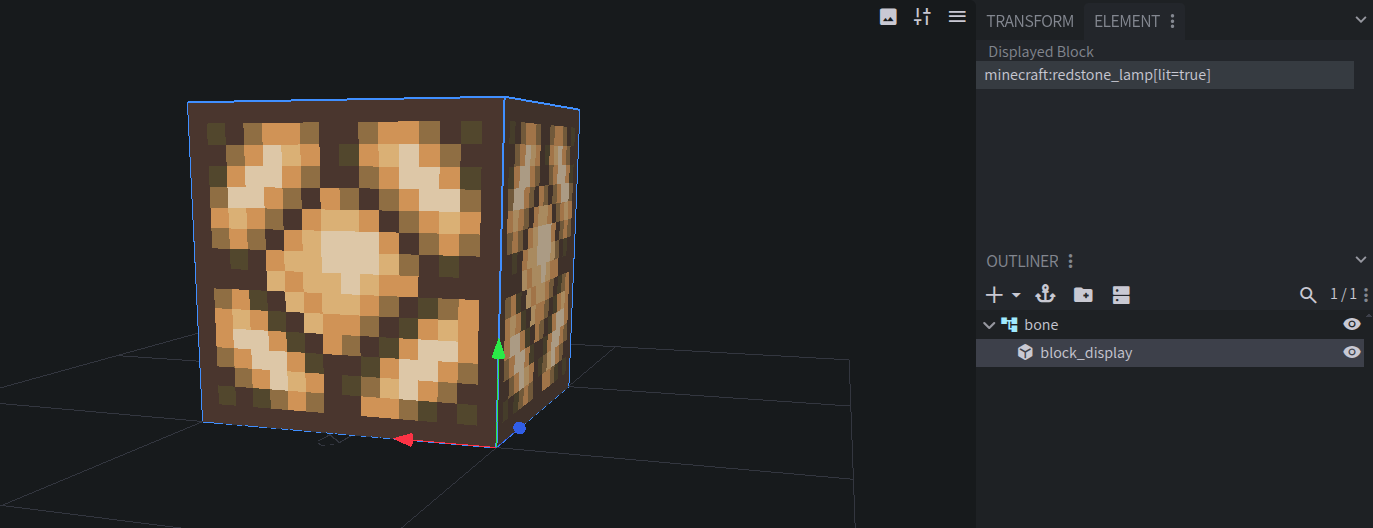
/setblockcommand. Set it in the Block panel.Examples:
minecraft:stoneminecraft:redstone_lamp[lit=true]minecraft:oak_stairs[half=top,shape=outer_left]
The Blockstates dropdowns below the field list every property of the block, so you can pick its state without typing it.
The block is checked against the block registry of your Target Minecraft Version. Invalid blocks get a warning.

Pivot
Block Displays rotate and scale around their pivot point. Move it with Blockbench’s pivot tool.
Entity Creation
A Block Display always creates a block_display entity.
Display Entity Config
Right-click a Block Display in the Outliner and choose Display Entity Config. See Display Entity Config.
 DP Icons