Installing Animated Java
What you’ll need
- Blockbench 5.1.4 or newer.
- Minecraft: Java Edition 1.20.4 or newer.
From the Plugin Manager
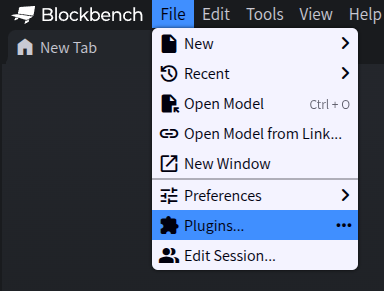
Open Blockbench and go to File Plugins… to open the Plugin Manager.
Search for “Animated Java”.
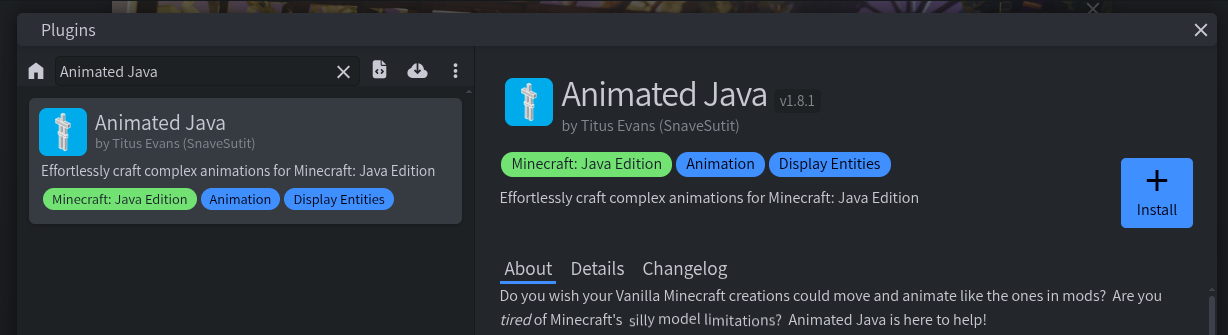
Click Install.
From a URL
To install straight from the latest GitHub release:
Open the Plugin Manager (File Plugins…).
Click Load Plugin from URL.
Paste this URL:
https://github.com/Animated-Java/animated-java/releases/latest/download/animated_java.js
From a File
If you’ve downloaded animated_java.js yourself:
- Open the Plugin Manager (File Plugins…).
- Click Load Plugin from File.
- Select the downloaded
animated_java.jsfile.
 DP Icons