Locators
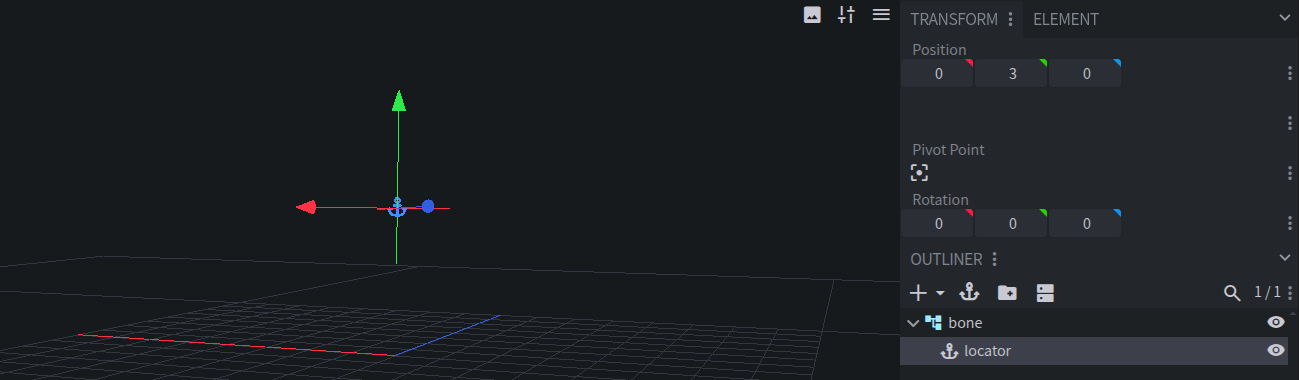
Locators mark a point on your rig, like a hand, a muzzle, or a mounting point. Use them to run commands at that point, or to attach an entity to it.
Entity Creation
A Locator only creates an entity if Use Entity is enabled. Like Cameras and Interactions, Locator entities aren’t passengers: Animated Java teleports them into place every tick (see Floating Entities).
Locator Config
Right-click a Locator in the Outliner and choose Locator Config.
Use Entity
Summons an entity at the Locator and keeps it there.
Entity Type
The type of entity to summon, like
minecraft:markerorminecraft:item_display. Only shown with Use Entity enabled.Sync Passenger Rotation
Rotates any entity riding the Locator’s entity to match the Locator. Only shown with Use Entity enabled.
On-Summon Function
Commands that run
asandatthe Locator’s entity when the rig is summoned. Only shown with Use Entity enabled.On-Remove Function
Commands that run
asandatthe Locator’s entity when the rig is removed. Only shown with Use Entity enabled.On-Tick Function
Commands that run every tick. With Use Entity enabled, they run
asandatthe Locator’s entity. Without it, they runatthe Locator’s position and rotation, as the rig’s root entity.
All of these functions support MC-Build syntax.
Locator Keyframes
Locators have their own Function keyframes in the Timeline. Their commands run at the Locator’s position on that frame, and as its entity if it has one. They support an Execute Condition, and a Repeat option that runs them again every Frequency ticks until the Locator’s next keyframe. See Locator and Interaction Keyframes.
Accessing Locators In-Game
Use the Locator functions:
# Spawn flames at the "hand" Locator
execute as @e[tag=my_pack.my_rig.root] run function my_pack:my_rig/at_locator {name: "hand", command: "particle minecraft:flame ~ ~ ~"}

# Run a command as the "mount" Locator's entity (requires Use Entity)
execute as @e[tag=my_pack.my_rig.root] run function my_pack:my_rig/as_locator {name: "mount", command: "say Hello!"}
Plugin Mode
Locators have no config in Plugin mode. Use your plugin’s API to add behavior to them instead.
 DP Icons